💡 In Simple Terms (For Beginners)
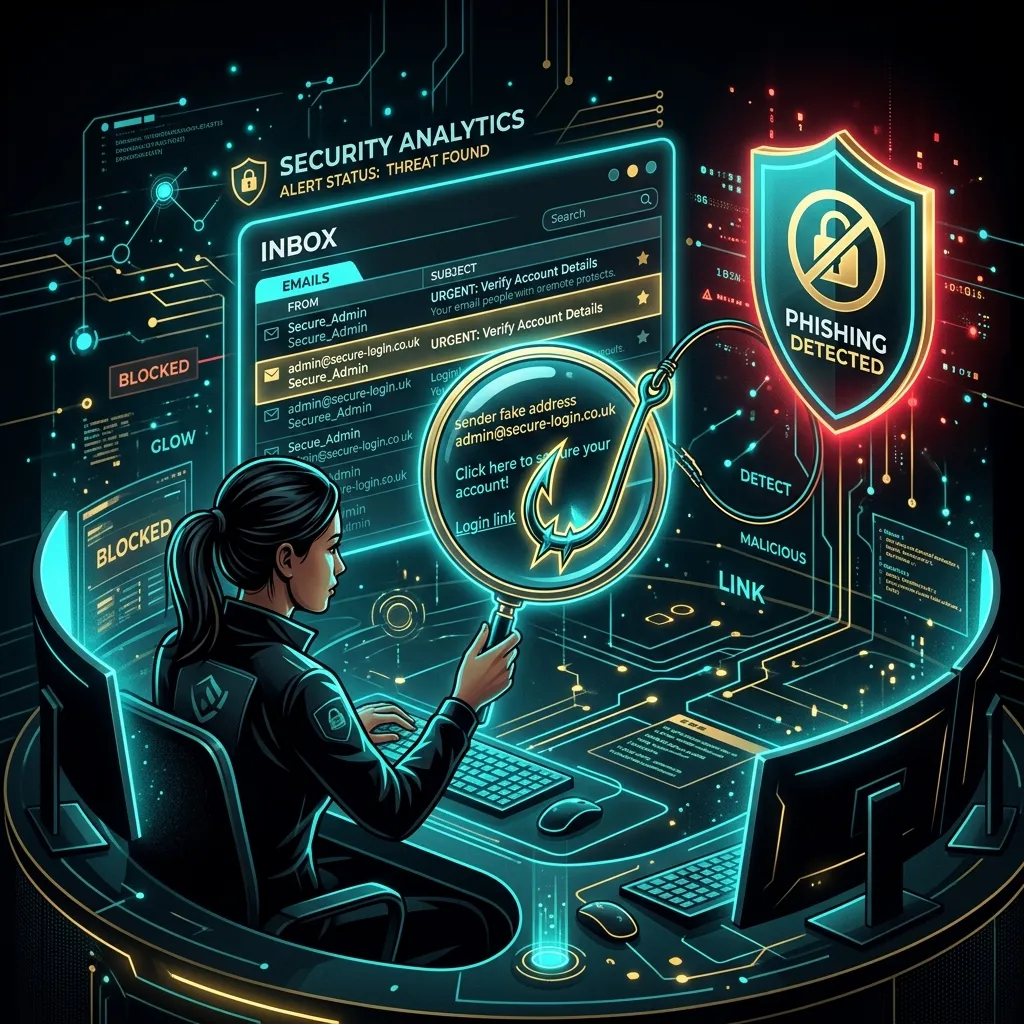
Phishing is when hackers send fake emails pretending to be Google, Netflix, or your bank to steal your login passwords. You can spot them by checking the sender's actual email address (not just their display name) and checking where links lead before clicking.
- Most phishing is caught by a person pausing, not by software.
- Five quick checks — sender, link, tone, purpose, and channel — take under 30 seconds.
- This checklist works without any technical background.
HUMAN FIREWALL · July 18, 2026 · 5 min read · By Hardik Patel
Most phishing emails aren't caught by software — they're caught by a person pausing for thirty seconds before clicking. That pause is a skill, and it can be taught in five checks that take less time than reading this sentence took you.
Table of Contents - The 30-Second Check - Why This Matters More Than Antivirus Software - Key Takeaways - Frequently Asked Questions - How iTechFixr Can Help
The 30-Second Check
Five quick checks — sender address, link destination, emotional tone, purpose, and channel — catch the majority of phishing emails, and together they take less than thirty seconds to run through.
1. Look at the sender address, not the display name (5 seconds). "Accounts Team" can say anything. The actual email address behind it — visible with a tap or hover — is where the lie usually shows up: a misspelled domain, an extra number, a completely unrelated address.
2. Check where the link actually goes (5 seconds). Hover over or long-press a link before tapping it. If the URL shown doesn't match the company it claims to be from, stop there.
3. Notice the emotional pressure (5 seconds). "Your account will be suspended," "Immediate action required," "Final notice" — phishing emails are built to make you act before you think. Genuine notices rarely rely on panic to get a response.
4. Ask why you're being asked for this, here, now (10 seconds). Would your bank really ask for a password by email? Would HR really ask you to click a link to "verify" your salary account? Most phishing requests break an obvious rule the moment you ask this directly.
5. When in doubt, go around the email entirely (5 seconds). Open your browser separately and log in directly, or call the organization using a number you already know — never one provided in the email.
Why This Matters More Than Antivirus Software
[Likely] Technical filters catch a large share of phishing attempts, but the ones that get through are specifically the well-crafted messages designed to bypass filters — which means the final decision point is almost always a human being deciding whether to click, and that decision is trainable in a way software isn't.
This is the exact reasoning behind treating employees as your first line of defense, not your last one. For a deeper look at building this into a company-wide habit rather than a one-time checklist, see our guide on how to build a human firewall in your company.
Key Takeaways
- Five checks — sender, link, tone, purpose, channel — catch most phishing attempts in under 30 seconds.
- Emotional pressure combined with a click request is the strongest single red flag.
- Verifying through a separate channel is safer than trusting anything inside the suspicious email itself.
- This skill matters because filtered phishing that still reaches an inbox is, by definition, the well-crafted kind.
Frequently Asked Questions
Q: What's the single biggest phishing red flag?
A: Emotional pressure combined with a request to click, log in, or transfer money immediately — legitimate organizations rarely create both urgency and a single-click action in the same message.
Q: Should I report a suspected phishing email even if I didn't click it?
A: Yes. Reporting it lets your IT or security team block the sender and warn colleagues before someone else in the office receives — and possibly clicks — the same email.
Q: Can phishing emails come from a real colleague's email address?
A: Yes, if that colleague's account has been compromised. This is why checking for urgency and unusual requests matters even when the sender address looks completely legitimate at first glance.
How iTechFixr Can Help
Need a compliance-ready risk framework? Let's map your gaps together. iTechFixr helps businesses determine their exact obligation status and builds the detection-to-reporting pipeline needed to genuinely protect your operations.